
Appearance
Collections are the heart of your app
Before an app can do anything useful, it needs somewhere to put the information it's tracking. In Axiomers, that "somewhere" is called a collection.
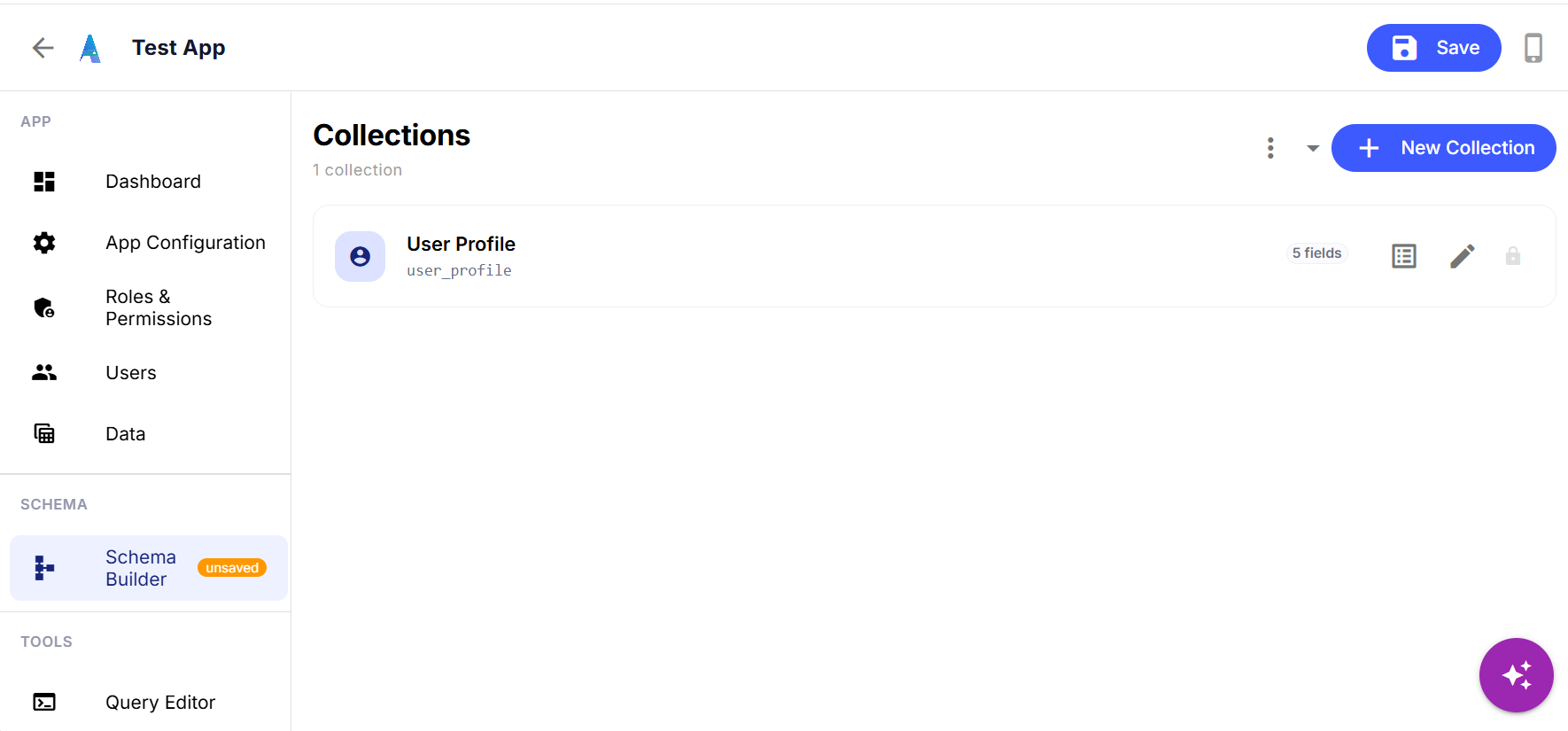
A collection is just a category of thing your business keeps records of — customers, orders, deliveries, shifts, whatever your work actually runs on. Every app starts with one collection already in place: User Profile, which holds the people who'll log in and use the app. Everything else — inventory, jobs, inspections, whatever the app is actually for — gets added the same way, one collection at a time, with New Collection.
Each collection is made of fields: the individual pieces of information you want to capture. User Profile above has five — enough to know who someone is and what role they hold, without asking for anything the app doesn't need yet.
This is deliberately the first thing you see when you open the Schema Builder, because it's the one decision that shapes everything downstream. The views you'll build later (tables, cards, calendars) all read from a collection. The actions your team clicks (create, update, bulk-edit) all act on a collection. Get the collections right — and you can always come back and add more — and the rest of the app has something solid to stand on.
It's also why starting from a template (see our post on starting a new app) saves real time: a template hands you a working set of collections instead of an empty list.